Remote teams usually do not need a complex PDF system for every small document task. They need a reliable way to prepare files before the real collaboration happens somewhere else: email, a shared drive, a ticket, a client portal, or a project workspace.
NexKit is not a team workspace, version-control system, permission manager, or long-term document store. The practical role is narrower: prepare a clean PDF before handoff. For this refresh, I tested a synthetic remote-team packet with generated PDFs only: a cover page, a two-page report, and a one-page appendix.
Scenario: prepare one client handoff packet
Imagine a remote team has three files:
remote-cover.pdfremote-report.pdfremote-appendix.pdf
The team wants one review packet, page numbers on the report, and a final size check before sending through its normal sharing channel.
This is a file-preparation workflow, not a collaboration workflow.
Step 1: merge only the files that belong together
I tested Merge PDF with the three generated PDFs. The tool displayed the files in order and created a 4-page output PDF in the browser. The capture showed no POST, PUT, or PATCH requests during the test.
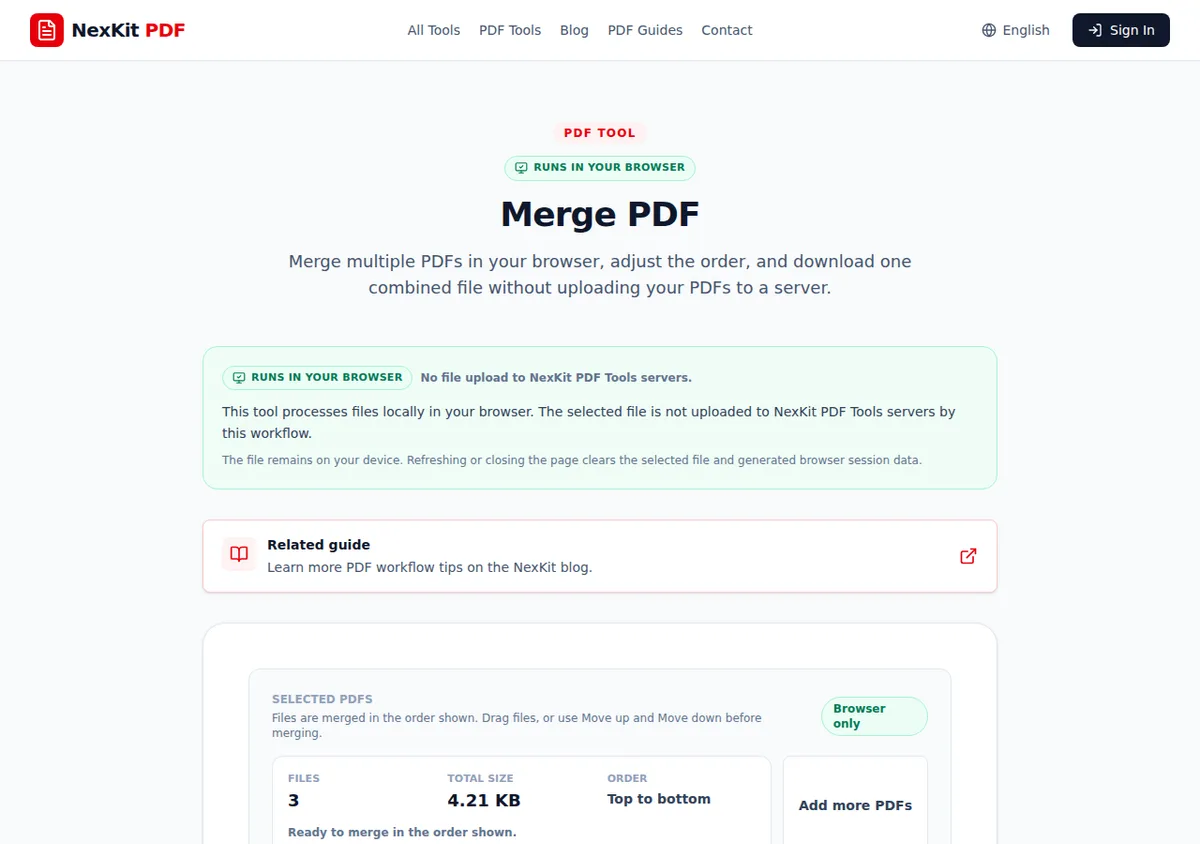 The test packet used three generated PDFs arranged before merge: cover, report, appendix.
Before clicking merge, decide whether every file belongs in the same packet. Remote teams often over-merge because it feels tidy, then reviewers have to search through unrelated pages. For a deeper pre-merge review pass, use the merge PDF files securely online guide before building a client-facing packet. Keep one PDF packet for one purpose.
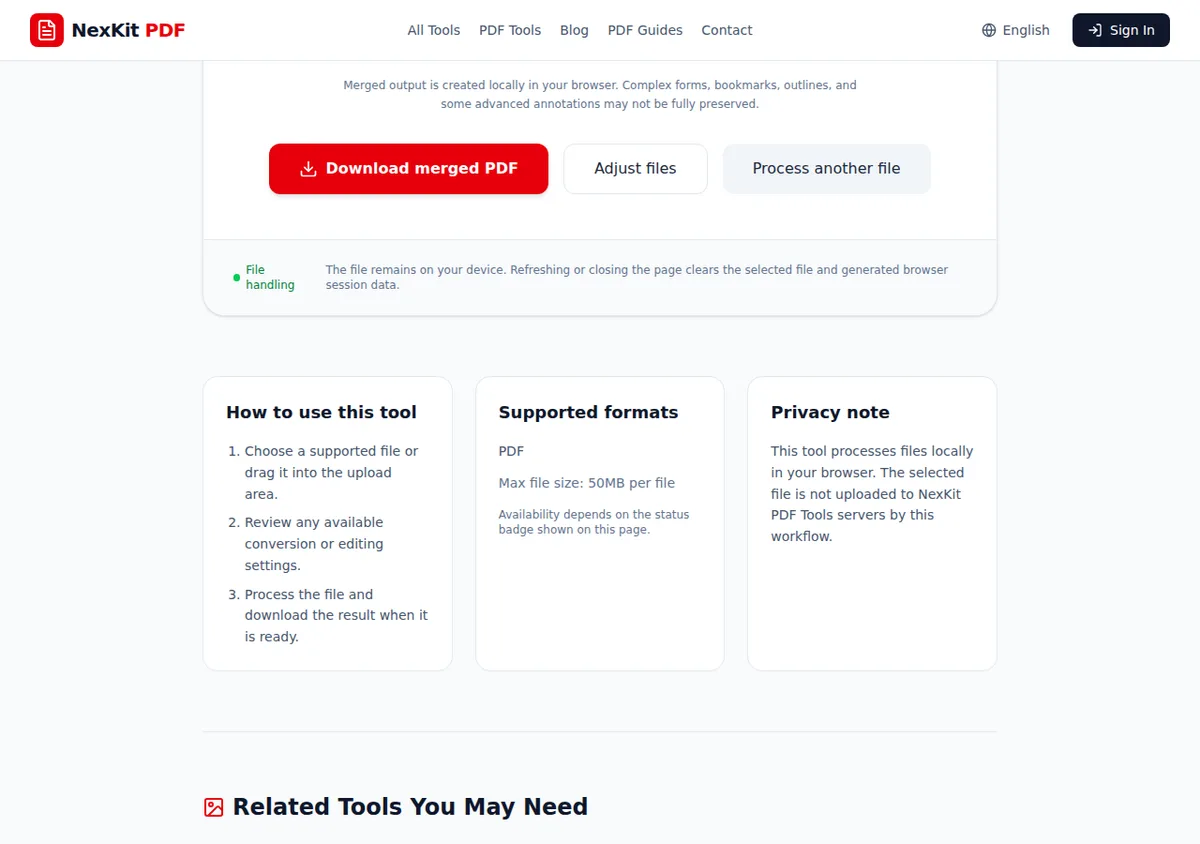 The generated three-file packet produced a 4-page merged output.
Step 2: add page numbers when review comments need anchors
Page numbers help when teammates leave comments like “page 3 needs the updated chart” or “remove the appendix page before client delivery.” I tested Add Page Numbers with a generated two-page report. The tool detected two pages and returned a numbered two-page PDF.
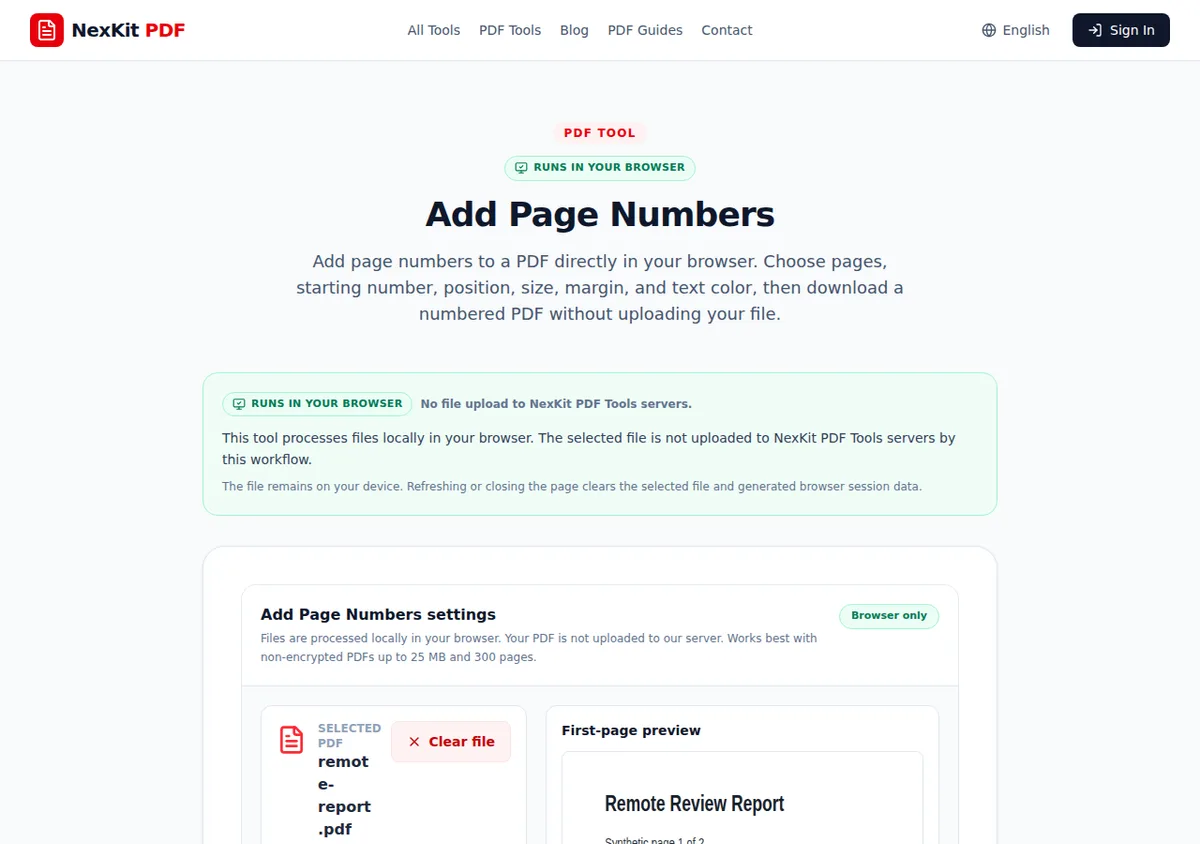 The generated report was detected as a two-page PDF before page numbers were added.
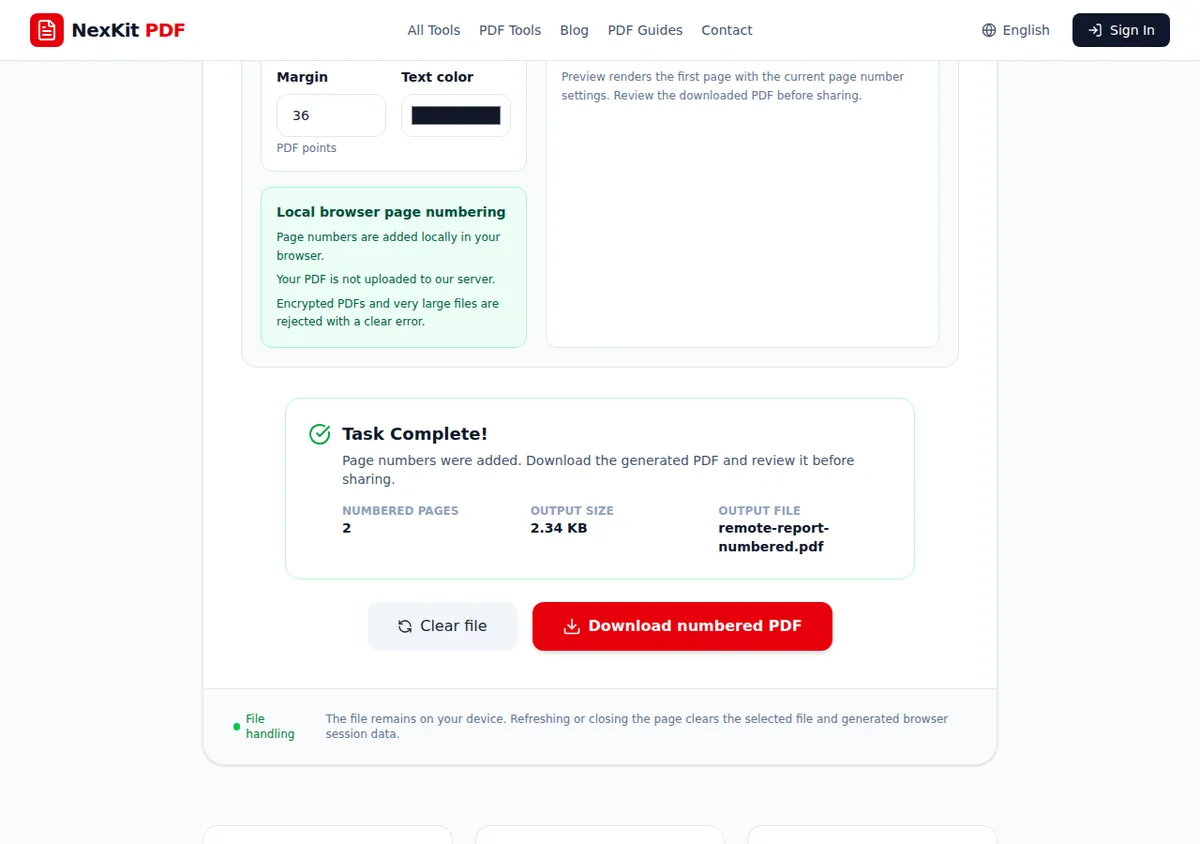 The output remained two pages after numbering, which matches the input page count.
Use page numbers when the PDF will be discussed asynchronously. Skip them when the destination already handles page references clearly or when numbers would interfere with a formal document layout.
Step 3: split, extract, or remove pages before sharing
Teams often discover that a packet includes one page that should not leave the internal review group. Choose the page operation based on the problem:
| Task | Use this when |
|---|---|
| Split PDF | The file needs to become smaller sections. |
| Extract PDF pages | A reviewer only needs a specific page range. |
| Remove PDF pages | A final packet contains pages that should not be sent. |
If the team is unsure which operation fits, use the split, extract, or remove PDF pages guide before editing the packet.
Step 4: compress only when size is the blocker
Compression is useful when an upload portal, email limit, or ticket attachment size blocks the handoff. It is not a universal cleanup step.
The current Compress PDF page states that results vary depending on how the PDF was created. In a related 31C-B test with a small generated PDF, the tool reported that the file was already optimized and did not create a smaller version. That is the correct behavior to plan around: keep the original, try compression when needed, and inspect the output before sending.
Step 5: hand off through the team’s actual system
After the PDF is prepared, use your normal sharing method. NexKit does not provide:
- team accounts for shared review;
- permanent cloud storage;
- version history;
- access permissions;
- audit logs;
- automatic backups.
Those controls belong in your collaboration system or document-management process. NexKit can help prepare the PDF; it does not replace the system that controls who can access it.
Remote-team handoff checklist
Before the file leaves the preparer:
- Keep original source files.
- Merge only pages that share one purpose.
- Add page numbers when reviewers need stable references.
- Remove private or irrelevant pages.
- Compress only when a size limit requires it.
- Open the final PDF and check page order, page count, readability, and file name.
- Share through the approved channel, not through the tool.
For the broader review process around comments, ownership, and approvals, pair this with the document review workflow guide. For client delivery habits after the PDF is ready, use the client file sharing workflow guide.
Related tools
- Merge PDF for creating one handoff packet from related PDFs.
- Add Page Numbers for review copies that need stable references.
- Split PDF, Extract PDF pages, and Remove PDF pages for preparing only the pages that should be shared.
- Compress PDF when file size is the actual blocker.